
What Is SEWA?
SEWA — the Sharjah Electricity, Water and Gas Authority — is the government utility for Sharjah (established 1995, serving 2M+ residents). Unlike DEWA (electricity + water only), SEWA bills cover electricity, water, and piped natural gas. If you live in Dubai you use DEWA; most other northern emirates use FEWA. Official site: sewa.gov.ae.
Check Your SEWA Bill Online (No Login Needed)
- Go to sewa.gov.ae.
- Click “Check Bill” or open Billing Services → Bill Enquiry (sometimes under E-Services).
- Enter your account number or consumer number — printed on any previous bill (usually top-right).
- Click Next/Submit. Your current bill appears: amount due, due date, usage breakdown.
- Download the PDF for your records, or pay by card on the spot.
No username or password is required for a basic bill check. For history and multiple accounts, registering is worthwhile.
Where to Find Your Consumer Number
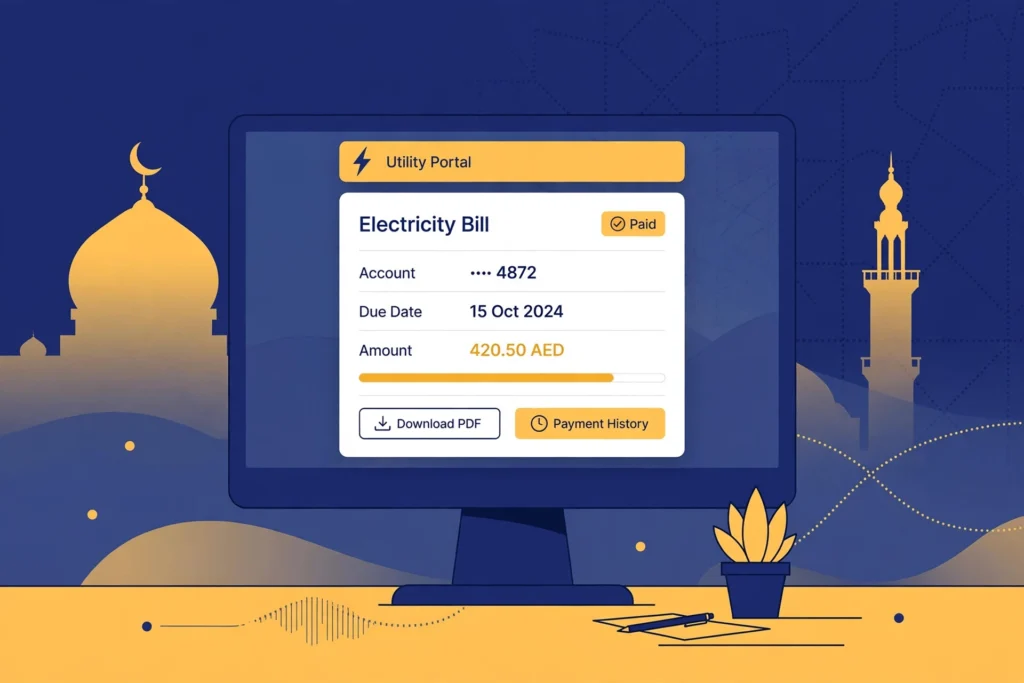
- Top-right of any previous paper or PDF SEWA bill
- Past payment receipts
- Don’t have one? Call SEWA on 600 566665 with your Emirates ID — the agent can retrieve both numbers
Other Ways to Check Your SEWA Bill
SEWA Smart App
Download from the App Store/Google Play, register or log in, add your consumer account, and open “My bills.” Also handles payments and service requests.
SMS
Compose an SMS with your customer/account number and send it to 7011 — bill details arrive within minutes. No app or login needed.
Phone
Call 600 566665 and provide your account number for bill information from a customer care representative.
Bill history
Registered users can view and download previous months’ bills under Billing & Payments → Bill History — useful for budgeting, disputes, and record-keeping.
How to Pay Your SEWA Bill
- Quick Pay on sewa.gov.ae — enter account number, pay by card, no login (handy for paying a relative’s bill)
- SEWA Smart App
- Bank transfers / ATMs (participating UAE banks)
- Payment kiosks across Sharjah (instant receipts)
- Customer Happiness Centres (in-person, working hours)
- Exchange houses
SEWA vs DEWA: Key Differences
| SEWA (Sharjah) | DEWA (Dubai) | |
|---|---|---|
| Coverage | Sharjah (some surrounding areas) | Dubai |
| Utilities billed | Electricity, water, piped gas | Electricity, water |
| Bill check without login | Yes — account/consumer number | Yes — EasyPay with account number |
| SMS bill check | Yes — send number to 7011 | Via WhatsApp +971 4 601 9999 |
| Helpline | 600 566665 | 04-6019999 (991 emergencies) |
| Official site | sewa.gov.ae | dewa.gov.ae |
Living in Dubai and need DEWA instead? See our DEWA bill mega-guide.
Troubleshooting
Bill doesn’t appear with my number
Re-enter the consumer/account number exactly as printed — extra spaces are the usual culprit. If it still fails, call 600 566665 to verify the number on file.
Payment not reflecting
Card payments via Quick Pay reflect quickly; bank/ATM payments can take up to a day. Keep your confirmation and retry after 24 hours before contacting support.
Wrong amount shown
Compare the usage breakdown with previous months. For disputes, registered users can raise it under Billing & Payments, or call customer care.
SEWA New Connection Basics
Moving to Sharjah? New SEWA connections follow a similar pattern to DEWA: tenancy contract (registered with Sharjah Municipality), Emirates ID, and the premises details. A refundable security deposit applies (amounts vary by property type — confirm on sewa.gov.ae [VERIFY]). Electricity, water, and gas are activated together.
SEWA Tariffs and Bill Components
Your SEWA bill breaks down into electricity, water, and gas consumption lines plus municipality and service fees. Tariff structures differ from DEWA’s slab system — always check the current SEWA tariff schedule on sewa.gov.ae before disputing a charge [VERIFY current rates]. As with DEWA, compare units consumed month-to-month rather than the dirham total when investigating a spike.
SEWA Payment Methods in Detail
| Method | Login needed? | Notes |
|---|---|---|
| Quick Pay (sewa.gov.ae) | No | Card payment with account number only |
| SEWA Smart App | Yes | Bills, payments, service requests |
| SMS to 7011 | No | Bill inquiry only |
| Bank apps / ATMs | Bank login | Participating UAE banks |
| Kiosks | No | Instant receipts across Sharjah |
| Customer Happiness Centres | No | In-person, government hours |
| Exchange houses | No | Small service charge may apply |
Frequently Asked Questions
How can I check my SEWA bill without an account?
On sewa.gov.ae → Check Bill, enter your account or consumer number — no login needed. Or SMS your number to 7011.
What is my SEWA consumer number?
The account identifier printed on every SEWA bill (top-right). Call 600 566665 with your Emirates ID if you’ve lost it.
Can I download my SEWA bill as PDF?
Yes — after viewing your bill online, use the download option. Registered users can pull full bill history as PDFs.
Does SEWA cover gas too?
Yes — unlike DEWA, SEWA bills electricity, water, and piped natural gas together.
How do I pay someone else’s SEWA bill?
Use Quick Pay on sewa.gov.ae with their account number — no login required.
What if I live in Ajman or other emirates?
Ajman and most northern emirates fall under FEWA (Federal Electricity and Water Authority), not SEWA. Only Sharjah (and some surrounding areas) use SEWA.
Is there a SEWA mobile app?
Yes — the SEWA Smart App on iOS and Android for bills, payments, and service requests.
What are SEWA’s customer care timings?
The 600 566665 helpline and online services are available 24/7; physical Customer Happiness Centres follow government working hours [VERIFY exact hours].
DEWA Bill Check is an independent guide and is not affiliated with or endorsed by SEWA, DEWA, or any UAE government entity. For official services visit sewa.gov.ae. Last verified: 2026-10-15.
Related: DEWA Bill Check & Payment mega-guide · DEWA bill payment · DEWA new connection · DEWA deposit refund · DEWA high bill complaint