
FEWA Bill Check — target keyword: “fewa bill check”
Last verified: 2026-11-07 | Independent guide, not affiliated with EtihadWE
Quick answer: You can check a FEWA bill in about 3 minutes: open the official EtihadWE website, go to Services and then “View and Pay”, enter your account number, and your current bill will appear — no login needed. You can then pay it with a GCC-issued credit card.
What Is FEWA?
FEWA is now called Etihad Water and Electricity (EtihadWE). The name changed in 2020, when the Federal Electricity and Water Authority was established under Federal Law No. 31 of 2020, and it is wholly owned by the Emirates Investment Authority. It is the federal utility set up by the UAE Government to provide electricity and water supplies in the Northern Emirates — Ajman, Umm Al Quwain, Ras Al Khaimah and Fujairah. (It also covers Al Dhaid and Dibba Al Fujairah.)
According to the UAE government portal, EtihadWE was established to raise the efficiency of the power and water sector, and to deliver services in the Northern Emirates in line with international standards and global best practices.
How to Check Your FEWA Bill Online (No Login Needed)
The fastest way to check your FEWA bill online is the official EtihadWE website: the “View and Pay Bill” service lets you look up your bill without logging into an account. Follow these steps:
- Open the EtihadWE website.
- From the main menu, go to the “Services” tab and select “View and Pay.”
- Enter your account number.
- Choose your preferred payment option.
- Agree to the Terms and Conditions.
- Proceed to payment and enter your card details to complete the transaction.
| What you need | Details |
|---|---|
| Open the EtihadWE website. | Open the EtihadWE website. |
| From the main menu, go to the… | From the main menu, go to the “Services” tab and select “View and Pay.” |
| Enter your account number. | Enter your account number. |
| Choose your preferred payment option. | Choose your preferred payment option. |
| Agree to the Terms and Conditions. | Agree to the Terms and Conditions. |
| Proceed to payment and enter your card… | Proceed to payment and enter your card details to complete the transaction. |
If you want a record of the payment, keep a screenshot of the successful transaction or the confirmation message you receive once the payment is complete.
Once the payment is done, the website will show the details of the transaction, and the customer will get a confirmation message. When you verify through the official EtihadWE portal, the bill will show the payable amount, the consumption, the service charges and the tax. If the amount on the bill looks higher than usual, check the meter reading, the consumption and the billed period before assuming an error.
The details that EtihadWE publishes for this service include a maximum credit card payment of AED 10,000.00, a fee of 0.0068 that applies to amounts above AED 10,000.00, acceptance of credit cards issued in the GCC region, and a limit of 5 credit card transactions per day. The official page does not state whether the 0.0068 fee is a percentage, a rate or a flat amount, so do not work out a surcharge from it — the amount the portal quotes at checkout is the amount that applies. A valid credit card and email address are also required. The service code is 357-04-002-000, and the expected completion time is 1 working day.
How to Pay Your FEWA Bill Online (Without Logging In)
The approach with the least friction is the same “View and Pay” option, since it does not require logging in. Follow these steps:
- Open the official EtihadWE website.
- From the main menu, go to the “Services” tab and select “View and Pay.”
- Enter your account number.
- Choose your preferred payment option.
- Agree to the Terms and Conditions.
- Proceed to payment and enter your card details to complete the transaction.
If you want to record the payment, save a screenshot or the transaction confirmation you receive once the payment is complete. If you are planning to pay online, keep the bill amount and the account number at hand, and be ready to pay with a GCC-issued card.
If you prefer, you can view and manage your FEWA account online by logging in to the EtihadWE e-services portal with UAE PASS, or by using the EtihadWE mobile app. But only pay through official EtihadWE channels — a fake FEWA website can steal your card details, so always check that you are on the official etihadwe.ae domain.
Other Ways to Pay Your FEWA Bill
Mobile App
You can also pay your FEWA bill through the EtihadWE mobile app. Open the app, log in with UAE PASS or proceed through the available payment option, select the account, choose the payment option and complete the transaction.

Payment Kiosks
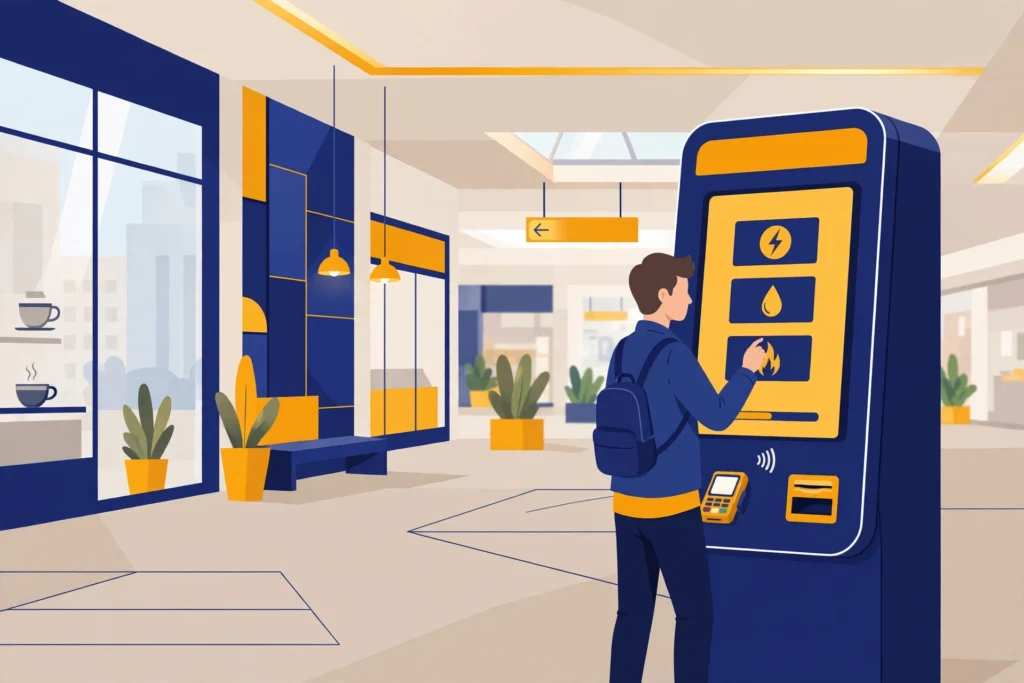
Payment machines (kiosks) are available around the clock and take about 3 minutes.

Banks
Banks are also available around the clock for online payments. The process takes about 3 minutes.
Al Ansari Exchange
Al Ansari Exchange is open from Saturday to Thursday, and the process takes about 10 minutes.
Service Centres
You can also visit an EtihadWE service centre during official working hours (about 10 minutes) in Ajman, Umm Al Quwain, Al Dhaid, Fujairah, Dibba Al Fujairah and Ras Al Khaimah.
| Method | How it works |
|---|---|
| Mobile App | You can also pay your FEWA bill through the EtihadWE mobile app… |
| Payment Kiosks | Payment machines (kiosks) are available around the clock and take about 3 minutes. |
| Banks | Banks are also available around the clock for online payments. The process takes about 3 minutes. |
| Al Ansari Exchange | Al Ansari Exchange is open from Saturday to Thursday, and the process takes about 10 minutes. |
| Service Centres | You can also visit an EtihadWE service centre during official working hours (about 10 minutes) in Ajman, Umm Al Quwain, Al Dhaid, Fujairah, Dibba Al Fujairah and Ras Al… |
FEWA Bill Check vs DEWA and SEWA
FEWA (EtihadWE) supplies electricity and water in the Northern Emirates — Ajman, Umm Al Quwain, Ras Al Khaimah and Fujairah — while DEWA supplies Dubai and SEWA supplies Sharjah. If you live in Dubai, your bill is with DEWA. If you live in Sharjah, it is with SEWA. If you live in the Northern Emirates, it is with FEWA. The process is similar for all three: enter the account number on the official site and the bill appears.
Check your bill with the supplier that serves your emirate: for Dubai, see our DEWA bill check guide, and for Sharjah, our SEWA bill check guide.