
Empower Bill Payment — target keyword: “empower bill payment”
Last verified: 2026-11-07 | Independent guide, not affiliated with Empower
Quick answer: You can pay your Empower bill online in just a few minutes: open the official e-services portal (e-services.empower.ae), choose “Pay Now” without signing in or log in, enter your 10-digit Empower account number, check the amount on your bill and pay by card or net banking. Empower is Dubai’s district cooling provider, and its bill is separate from your DEWA bill.
What Is District Cooling — and What Is Empower?
District cooling is the central production and supply of chilled water for air conditioning. Instead of each building running its own chillers, the air conditioning is provided by an off-site plant and is sent to your home or office through chilled water pipes. According to Empower, it is a distribution system that supplies chilled water to buildings in many areas of Dubai. Empower is the world’s largest district cooling services provider.
As with other Dubai utilities, the service works in two parts: the district cooling bill, which is charged monthly, and the one-off registration cost at the start. Because Empower is a separate entity from DEWA, your DEWA bill and your Empower bill are two different bills: you cannot pay an Empower bill on the DEWA website, and the 9-digit premise number on a DEWA bill is not your Empower account number — your Empower account number is 10 digits long.
How to Pay Your Empower Bill Online: Step by Step
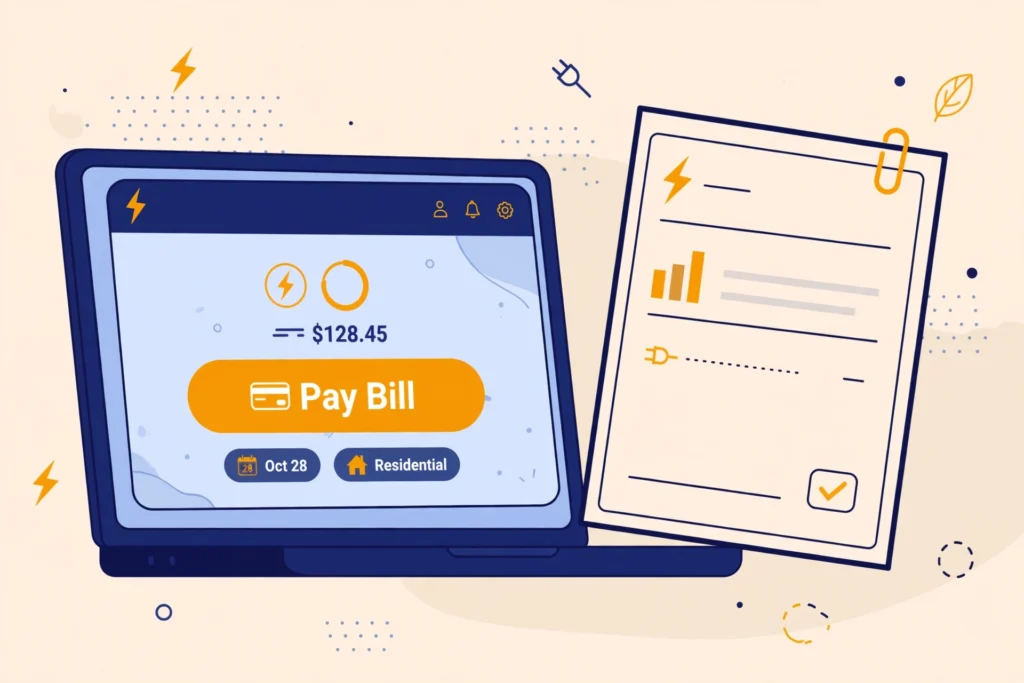
You can pay your Empower bill online in just a few minutes using a credit card. The quickest route is the official e-services portal (e-services.empower.ae):
- Open the official Empower e-services portal at e-services.empower.ae.
- Enter your 10-digit Empower account number. You do not need to sign in or register to check and pay your bill.
- Check the bill amount and the due date.
- Pay by credit card or net banking.
| Step | What to do |
|---|---|
| Step 1 | Open the official Empower e-services portal at e-services.empower.ae. |
| Step 2 | Enter your 10-digit Empower account number. You do not need to sign in or register to check and pay your bill. |
| Step 3 | Check the bill amount and the due date. |
| Step 4 | Pay by credit card or net banking. |
You do not need to sign in or register for a one-off payment — the payment section of the portal offers guest payment, and login is only needed to manage your account (for example, to check your payment history or set up Auto Pay). And the amount payable on the portal is the same as on your bill.
If you sign in, you can also manage your account online: check your payment history and set up Auto Pay (go to “My Services”, choose Auto Pay and follow the screens).
Other Ways to Pay Your Empower Bill
If you prefer not to pay online, there are five other ways to pay an Empower bill. This list is taken from Empower’s official Payment Options page (empower.ae/customer-care/payment-options):
At a bank
Deposit the payable amount at a branch of HSBC Bank Middle East, Mashreq Bank or Emirates NBD, then email the deposit slip or remittance advice, with your invoice number and your 10-digit account number, to creditcontrol@empower.ae.
At an ATM
Pay cash at Emirates NBD’s ATMs or cash/cheque deposit machines — choose the utility bill payment option.
In cash
Pay cash at Al Ansari Exchange branches across the UAE — give the teller your 10-digit account number.
On DubaiNow
Use the DubaiNow app to pay your Empower bill through mPay (register at mpay.dubai.ae).

In person
Pay by cash, cheque or credit card at Empower’s customer service counters and at the Empower head office in Al Jadaf, Dubai.
Registration: Your Empower Account
If you are a new customer, you must register with Empower before you can pay your bill online. The registration process is free for new customers, and the connection fee (also known as the activation charge) varies according to the project and building. These are the steps, from Empower’s official “How to Register” page (empower.ae/customer-care/how-to-register):
- In the Empower e-services portal, open “New Registration”.
- Enter your 9-digit DEWA premise number, choose “Owner” or “Tenant” and continue.
- Enter your property and personal details, then submit.
- Attach the required documents — the tenancy contract (Ejari) for tenants, the title deed or sale/assignment agreement for owners, your Emirates ID and your passport.
- After processing, you will receive your Empower account number by SMS or email; the confirmation message will show the security deposit and the connection fee.
- Pay the required amount online with a debit/credit card, or pay in cash, debit/credit card or cheque at an Empower office / service centre, or pay the total invoice amount online via the e-services portal using the login details you registered with.
- Your service will be connected within 1 to 3 working days after the payment is received and any due amount is cleared. Once your account is activated, you can pay your bills through the e-services portal.
Only use the official portal — e-services.empower.ae — before entering your card details. The Empower e-services portal is separate from the Empower website, so always check that you are on the official e-services.empower.ae domain; if you are unsure, call Empower on 800 3276.
What Your Bill Is Made Of (Plus How the Meter Reading Works)
A district cooling bill is normally made up of a demand (capacity) charge, a consumption charge and a fuel surcharge. The demand charge (also called the capacity charge) is AED 750 per refrigeration ton (RT) per year, and is billed monthly in advance. The consumption charge is based on AED 0.568 per RT per hour. The fuel surcharge is set under the guidance of the Supreme Council of Energy. Meter maintenance charges (AED 50 per quarter for buildings with live meters, or AED 30 per month when meters are not installed) and connection fees may also be charged. The exact rates for your building are set out in your cooling agreement with Empower. All charges are subject to 5% VAT.
How the Meter Reading Works
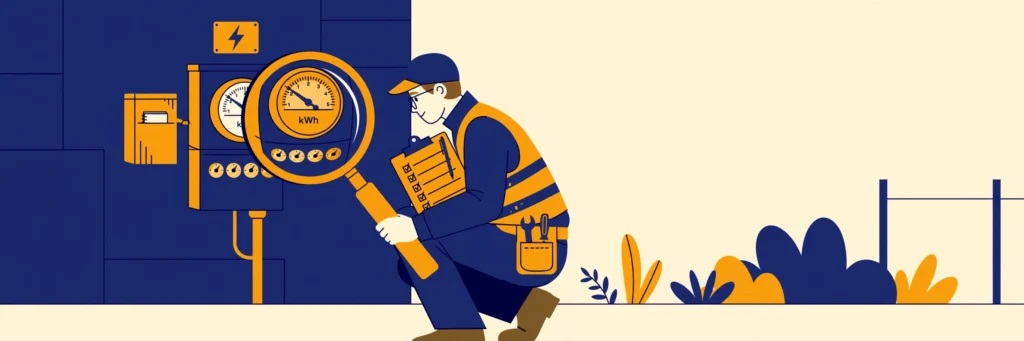
If your building has a live meter, the reading is taken on the 25th of every month; the reading is shown in the meter reading section of the bill and as part of the “Meter Reading History” in the e-services portal. In buildings without meters, charges are estimated — either per unit or per square metre — as set out in the agreement. Where a building has a live meter but a manual reading is used, the charge is based on the manual reading. You can also take a meter reading yourself: the “Meter Reading” option in the e-services portal lets you submit your own reading to Empower.
| Method | How it works |
|---|---|
| At a bank | Deposit the payable amount at a branch of HSBC Bank Middle East, Mashreq Bank or Emirates NBD, then email the deposit slip or remittance advice, with your invoice number… |
| At an ATM | Pay cash at Emirates NBD’s ATMs or cash/cheque deposit machines — choose the utility bill payment option. |
| In cash | Pay cash at Al Ansari Exchange branches across the UAE — give the teller your 10-digit account number. |
| On DubaiNow | Use the DubaiNow app to pay your Empower bill through mPay (register at mpay.dubai.ae). |
| In person | Pay by cash, cheque or credit card at Empower’s customer service counters and at the Empower head office in Al Jadaf, Dubai. |
Moving Out: The Final Bill and Deposit Refund
To close your account, create a final settlement request at the e-services portal under “My Services” — click “Create Service”, go to the “Final Settlement” tab and fill in your details. (The “Final Settlement” tab is not shown in your account if there are no services to settle.)
The final bill will be available online within 2 working days after your request; the confirmation message will show the security deposit you paid when you registered (the deposit could be refundable) and your payment history. Unlike ordinary bills, the final bill has to be paid in cash or by credit card, and it is collected at the Empower head office in Al Jadaf, Dubai. You can pay for the final bill by credit card or in cash. A refund of the security deposit is possible in some cases — ask Empower about the deposit refund if that applies to you.
Late or Missed Payments
If a bill is not paid, Empower can disconnect the cooling supply and charges a AED 500 disconnection fee; the service is only reconnected once the full outstanding amount is paid. If you think there is a mistake on the bill, contact Empower and ask for the bill to be checked.