
If your Dubai apartment or office is cooled by Empower, you can pay its district cooling bill without opening the Empower website. The DubaiNow app — the Dubai government’s official services app — includes Empower bills, and its built-in payment service, mPay, settles them from your phone. This guide explains setup, payment and troubleshooting. For every other way, see our Empower bill payment guide.
What Is DubaiNow and mPay?
DubaiNow is the official Dubai government app, run by Digital Dubai, with 320+ services from 50+ entities — bills, fines, Salik and NOL top-ups, driving, housing, health and more. Its Google Play listing (updated 30 October 2026) lists Empower among its bill payments.
mPay is DubaiNow’s payment service. Empower’s payment options page lists it under mobile banking as “(mPay – Dubai Now)” and instructs customers to “Register at https://mpay.dubai.ae to activate this service.” It is not a separate app — the payment layer inside DubaiNow, activated once before your first payment.
What You Need Before You Start
- UAE PASS. DubaiNow sign-in runs on it; without it, no payment screens.
- The DubaiNow app. Free on Google Play and the App Store.
- mPay activated. Register at mpay.dubai.ae, as Empower’s payment page instructs — do this before you try to pay, so setup does not interrupt the payment.
- Your 10-digit Empower account number. Mandatory when paying, per Empower’s payment page. It is printed on your bill — copy it exactly, because the payment is allocated to the account number you enter.
- A credit or debit card. DubaiNow accepts card payments, and you can save a card for next time.
| What you need | Details |
|---|---|
| UAE PASS | DubaiNow sign-in runs on it; without it, no payment screens. |
| The DubaiNow app | Free on Google Play and the App Store. |
| mPay activated | Register at mpay.dubai.ae, as Empower’s payment page instructs — do this before you try to pay, so setup does not interrupt the payment. |
| Your 10-digit Empower account number | Mandatory when paying, per Empower’s payment page. It is printed on your bill — copy it exactly, because the payment is allocated to the account number you enter. |
| A credit or debit card | DubaiNow accepts card payments, and you can save a card for next time. |
Know the amount you expect — demand AED 750 per refrigeration ton (RT) per year, consumption AED 0.568 per RT per hour, plus a meter fee and 5% VAT — and check the bill’s itemised lines if the app figure looks very different.
Step 1: Set Up DubaiNow and Activate mPay
Download DubaiNow and sign in with UAE PASS. Payments are tied to your UAE PASS profile — confirm the right identity. No UAE PASS? Install the UAE PASS app first and complete its identity verification.
Then activate mPay: go to mpay.dubai.ae and register, as directed on Empower’s payment options page. Activation is one-time — follow the on-screen steps to add your card and complete setup. The exact screens can change with app updates, so follow the prompts shown.
Step 2: Pay Your Empower Bill in DubaiNow
With DubaiNow signed in and mPay active, the payment follows the standard DubaiNow flow:
- Open the DubaiNow app and go to the Payments section.
- Select utility bills as the payment type and choose Empower.
- Enter your 10-digit Empower account number and check the details shown belong to you.
- Review the bill amount against your latest bill.
- Choose your payment method — a saved card, or add a new one.
- Review and confirm.
Save the receipt; DubaiNow keeps receipts and payment history in the app. Menu labels can change with app updates — the flow above follows the standard DubaiNow Payments layout (Payments, then the bill type, then the provider).
After You Pay
Keep the confirmation and receipt until your Empower bill shows the payment. How quickly the payment reaches your Empower account is not published by Empower or DubaiNow. Allow at least a working day; if it has not appeared, contact Empower billing on +9714-559 2888 or billing@empower.ae with the receipt and your 10-digit account number.
Other Ways to Pay Empower
DubaiNow is convenient, but not the only route — Empower lists these channels:
Empower e-services portal
(e-services.empower.ae) — credit card, or net banking through UAEPGS (Central Bank Payment Gateway). UAEPGS payments are free, minimum AED 10, maximum AED 15,000 per transaction.

Online and mobile banking
Emirates NBD online/mobile banking, ADCB mobile banking, ADCB ProCash, Emirates NBD ATMs (utility bill payment option).
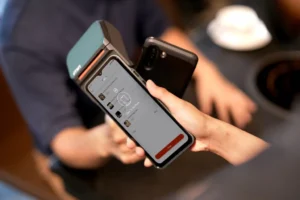
Bank transfer
to Empower’s accounts at HSBC, Emirates NBD or Mashreq Bank. Mention your 10-digit account number and invoice number in the description, then email the deposit slip to creditcontrol@empower.ae.
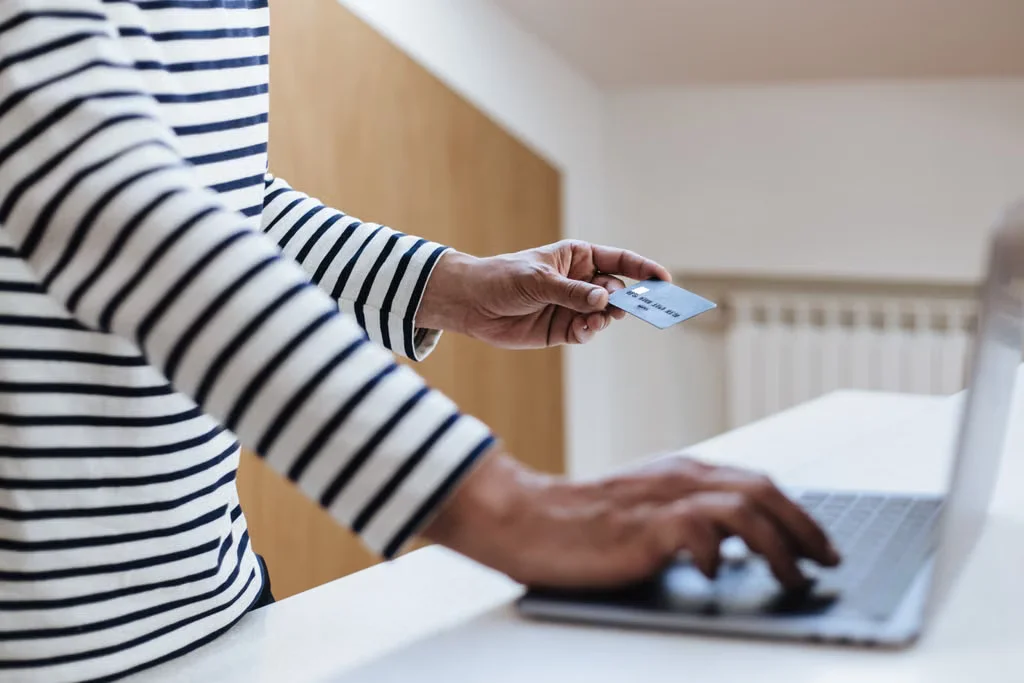
Cheque
at Empower counters (Al Jadaf head office, JBR, JLT, Business Bay), Monday to Thursday 07:30 AM–03:30 PM, Friday 07:30 AM–12:00 PM. Cheques are drawn in favour of Empower.
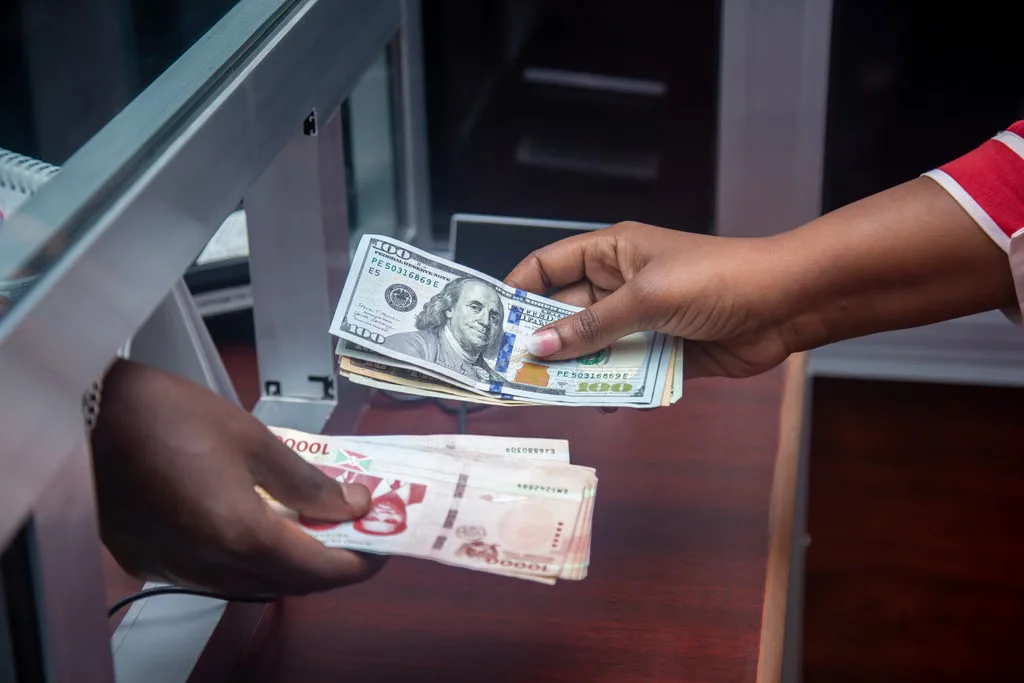
Full details, including account numbers and IBANs, are in our Empower bill payment guide. The same app also pays DEWA and FEWA bills — see FEWA bill check and DEWA bill payment.
If It Doesn’t Work
Empower does not appear in the app
Update DubaiNow and check you are signed in with UAE PASS. If it still does not appear, use the Empower e-services portal instead.
The payment fails
Check the card first — expired, insufficient funds, or a bank block on government payments are the usual causes. Try another card, or pay through the e-services portal.
You entered the wrong account number
Payments go to the account number entered, so double-check the 10 digits before confirming. If a payment went to the wrong account, contact Empower billing immediately with the receipt — do not pay the same bill twice until the first is traced.
You need a refund
Refunds go through Empower, not DubaiNow — contact Empower billing with the receipt, account number and transaction date.
| Method | How it works |
|---|---|
| Empower e-services portal | (e-services.empower.ae) — credit card, or net banking through UAEPGS (Central Bank Payment Gateway)… |
| Online and mobile banking | Emirates NBD online/mobile banking, ADCB mobile banking, ADCB ProCash, Emirates NBD ATMs (utility bill payment option). |
| Bank transfer | to Empower’s accounts at HSBC, Emirates NBD or Mashreq Bank… |
| Cheque | at Empower counters (Al Jadaf head office, JBR, JLT, Business Bay), Monday to Thursday 07:30 AM–03:30 PM, Friday 07:30 AM–12:00 PM… |